 Storeino
Deployment
Creating a New Theme
To publish a new theme for clients:
- Go to https://admin.storeino.world/markets/themes/create
- Navigate the Storeino development account's "Themes" section where you'll find tools for creating and managing themes
- Complete the theme information form with all required details
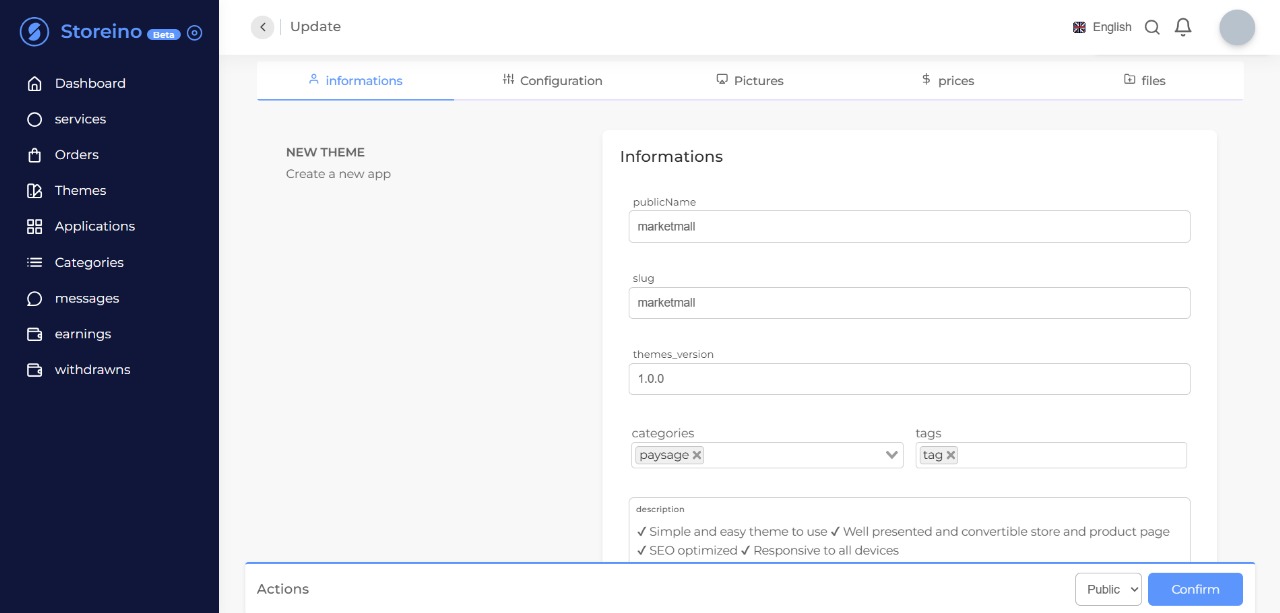
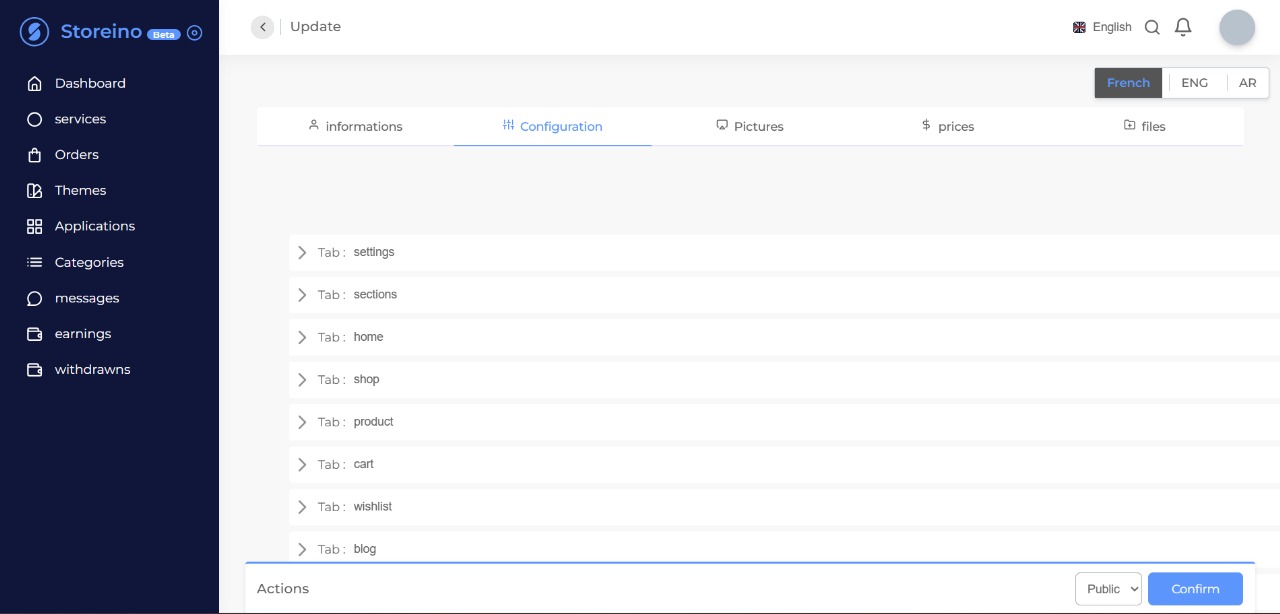
- Click "Next" to configure the theme data (Config JSON file)
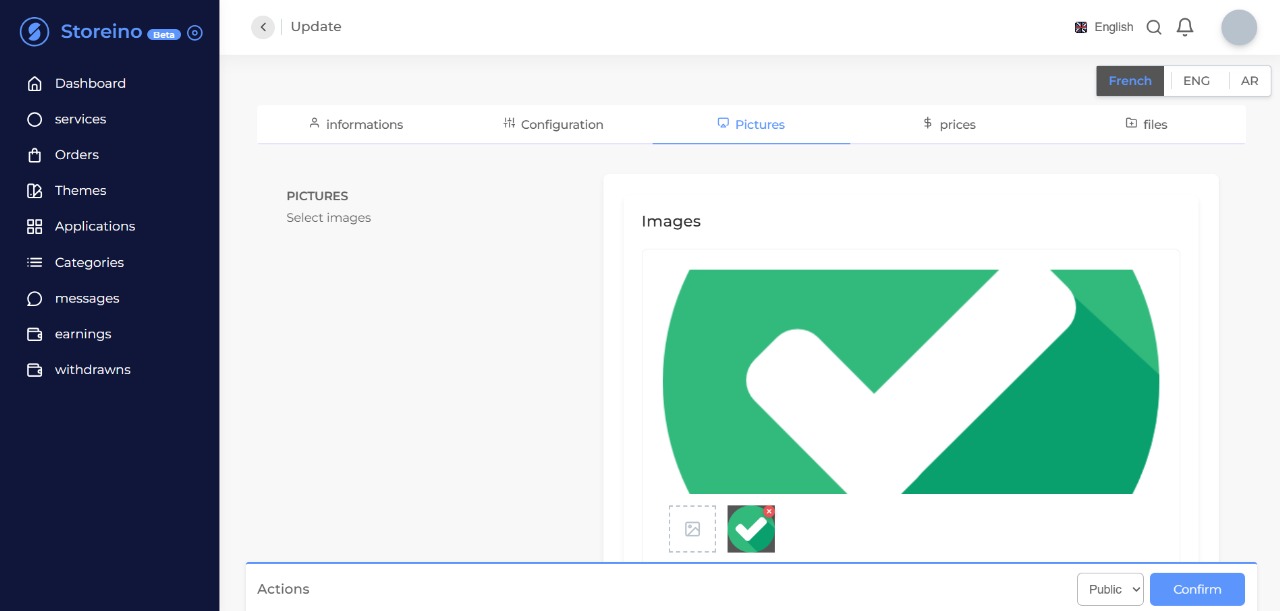
- Upload your project's images and assets
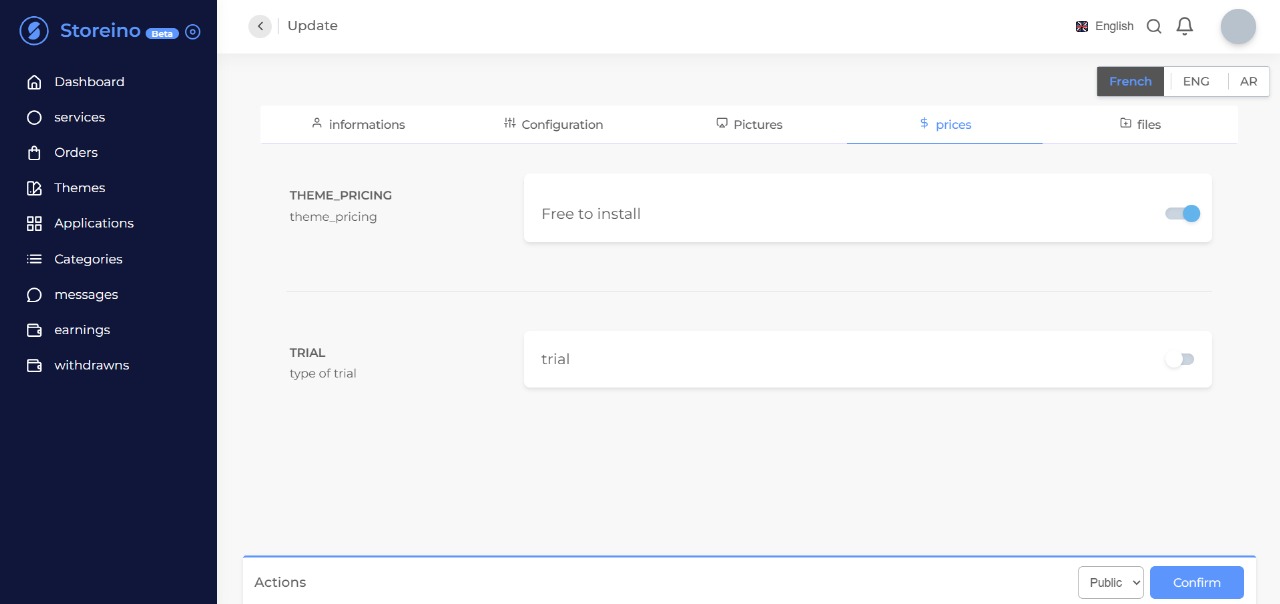
- Set your theme's availability and pricing options
- Upload your complete project files in .zip format
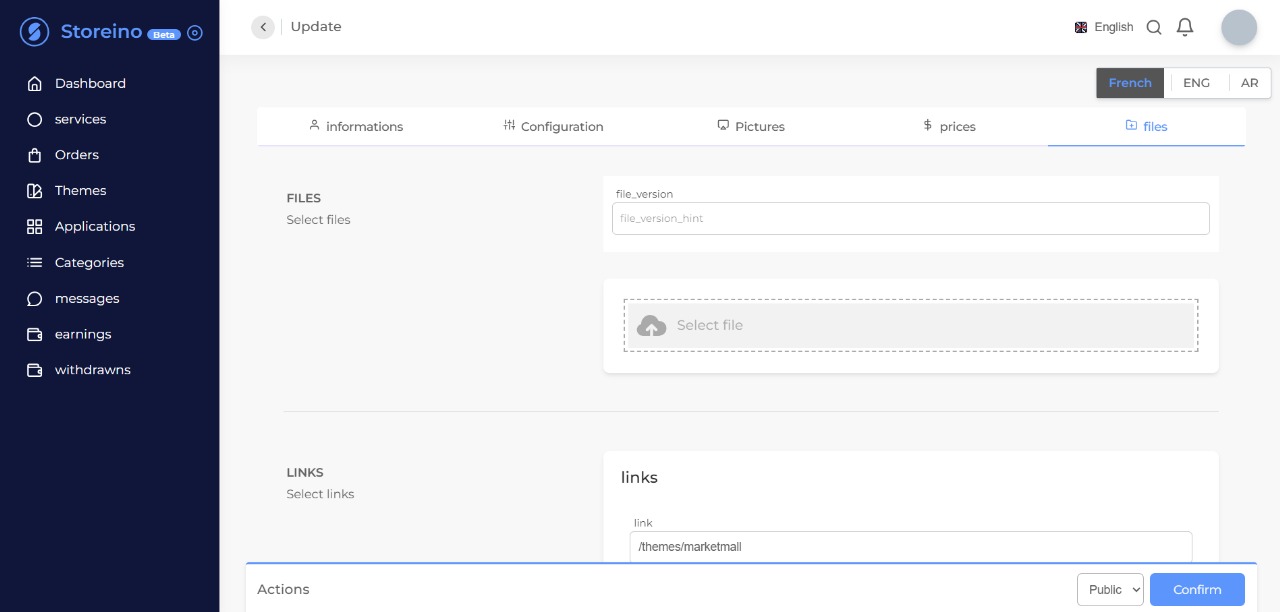
- Click "CONFIRM" to deploy your theme in Development mode
Development Environment
The development mode allows you to test your theme thoroughly before making it available for production use. This ensures your theme functions correctly and meets all requirements before clients can access it.
During the development process, you can make necessary adjustments and improvements to enhance your theme's functionality and appearance. Storeino provides the tools needed to make this process as smooth as possible.
While automation features are being developed, Storeino is committed to supporting your journey as a theme developer with a well-guided process. Your theme's path from development to production is designed to be straightforward and effective.